Failed Transactions, Holy Rummy
Failed transactions explained for holy rummy: step-by-step, with the details most guides leave out.
What Is a Failed Transaction?
A failed transaction on Holy Rummy is any deposit or withdrawal attempt that is initiated but does not reach its intended destination, meaning money leaves or is debited from your payment instrument yet the Holy Rummy wallet is not credited, or a withdrawal is requested but the amount never arrives in your bank account. The failure can occur at any of three points in the payment chain: your bank or card network, the payment gateway that connects Holy Rummy to the banking system, or the NPCI infrastructure that routes UPI instructions between institutions.
Understanding where the break happened matters because each point has a different resolution path. When a bank declines a transaction it usually returns the funds immediately, and the hold on your account is released within minutes to a few hours depending on your bank's internal clearing schedule. When a gateway times out, for instance because the server did not receive a confirmation response before its window closed, the money may appear debited from your side while Holy Rummy's system records no successful credit.
This creates a temporary discrepancy that must be reconciled through an automated or manual refund process. NPCI-level failures, which are rare, are resolved through the dispute mechanism built into the UPI framework and are handled between the remitting and beneficiary payment service providers.
In every case, a failed transaction does not mean money is permanently lost. The funds are held in a pending or suspense state and are returned to the source account once the relevant system confirms the failure. The timeline and the steps you need to take differ based on which layer failed, which is why Holy Rummy support asks for specific transaction details when you raise a query.

Failed Transactions for New Players
New Holy Rummy players encounter failed transactions more often than experienced ones because several friction points are unique to first-time deposits. Banks apply stricter fraud-prevention rules to accounts that have never sent money to a particular merchant before. If your bank's system flags Holy Rummy as an unfamiliar payee, it may trigger an additional authentication step or silently decline the transaction before you even receive an error message. To reduce this risk on your first deposit, use the UPI app you have used most regularly, ideally one linked to your primary savings account, because behavioural signals from prior transactions on that app reduce the likelihood of an automated decline.
New players also commonly experience failures caused by UPI daily or per-transaction limits set by their bank at account opening. Many banks set conservative defaults, often ₹10,000 per transaction or ₹25,000 per day, that may be lower than the deposit amount you intend. You can check and update these limits inside your bank's official mobile banking application or by visiting your bank's branch. The limit setting is entirely on your bank's side and cannot be adjusted through Holy Rummy or any payment app.
A second common trigger for new players is an incomplete KYC registration. Holy Rummy requires identity verification before a deposit is processed. If your KYC documents have been submitted but not yet verified, some deposit methods may be restricted. Complete your KYC through the Holy Rummy account section before attempting a deposit to avoid a transaction reaching the gateway only to be blocked at the verification layer.
If your first deposit fails, wait at least 30 minutes before retrying. Multiple rapid retries on a new merchant can cause your bank's automated system to place a temporary block on further attempts to that UPI Virtual Payment Address, compounding the original problem. Check your bank account balance using your bank's official app or net banking portal to confirm whether money was debited. If it was debited and the Holy Rummy wallet shows no credit after 30 minutes, contact Holy Rummy support with the UTR number, which your bank's official app or net banking portal will display alongside the transaction entry.
Failed Transactions, Safety and Timing
Every rupee involved in a failed Holy Rummy transaction is protected by the regulatory framework governing UPI and payment gateways in India. Under RBI guidelines, a payment that is debited from a customer account but not credited to the merchant must be automatically reversed to the customer's account within a defined timeline, typically five business days for UPI transactions. This is not a courtesy; it is a mandatory obligation on the payment service providers involved.
The expected refund timeline depends on how the failure is classified. For a straightforward bank decline where the debit was never actually completed, the hold on your funds is removed within a few hours and no visible debit will appear on your final bank statement. For a gateway timeout where a debit did go through, the refund typically appears within two to three business days. For cases that require manual reconciliation, for instance where automated systems on both sides received conflicting responses, the resolution can take up to seven business days.
If seven business days have passed and the money has not been returned, you have the right to raise a formal complaint with your bank under the UPI dispute process, and your bank is obligated to acknowledge it within two business days and resolve it within thirty.
To keep your transactions safe and reduce the chance of a failure, consider the following practices. Make deposits during off-peak hours, mid-morning or early afternoon on weekdays, when banking infrastructure is under lighter load and timeout rates are lower. Avoid making a deposit in the final minutes before a rummy tournament begins, because network congestion around event start times is higher and a failed transaction at that moment cannot be reversed in time for you to join.
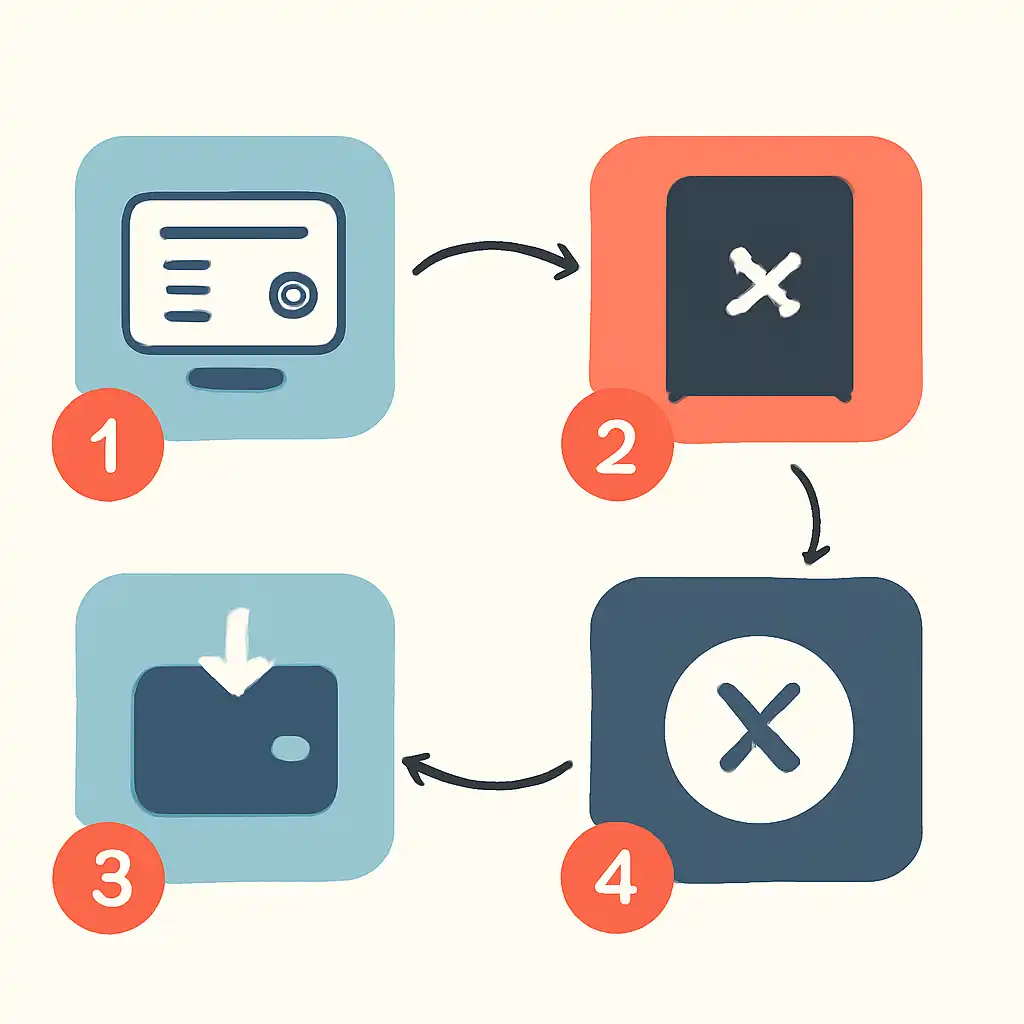
Keep your UPI app and your bank's mobile application updated to their latest versions, as outdated app versions occasionally carry bugs that cause incorrect payment status reporting. Do not close the Holy Rummy application or your UPI app during a transaction, the confirmation handshake between Holy Rummy's gateway and your bank requires both connections to remain active for several seconds after you enter your UPI PIN.
For withdrawal failures, which are less common, the most frequent cause is a mismatch between the name on your Holy Rummy account and the name on your registered bank account. Banks reject beneficiary credits when the name does not match their records. Verify your bank account details through your bank's official net banking portal or a recent bank statement before raising a withdrawal request.
Failed Transactions on Mobile
Most Holy Rummy players deposit and withdraw through a mobile device, which introduces a set of failure triggers that desktop users do not face. Understanding these helps you resolve failures faster and avoid repeat occurrences.
Network switching is the leading cause of mobile-specific failures. When your phone moves from a Wi-Fi network to a mobile data connection, or vice versa, mid-transaction, the session between Holy Rummy's payment gateway and your bank can be interrupted. The gateway receives no response, records a timeout, and the transaction fails even though your bank may have already processed the debit on its side. To prevent this, disable Wi-Fi before beginning a deposit if you are in an area with a weak or unstable Wi-Fi signal, and rely entirely on your mobile data connection.
Alternatively, switch to a stable Wi-Fi network and disable mobile data before starting. Avoid areas with poor signal entirely if possible.
Background app management on Android and iOS can also cause failures. Both operating systems aggressively kill or suspend background applications to conserve battery, and some configurations will suspend the UPI app while you are switching back to Holy Rummy to confirm the transaction. If your UPI app is suspended before it can return a success confirmation to the gateway, the transaction will be recorded as failed or pending. To address this, open your phone's battery or background-process settings and allow both Holy Rummy and your UPI app to run unrestricted in the background.
On Android, this setting is typically found under Battery → App Battery Management; on iOS, ensure the app is not in Low Power Mode, induced hibernation.

When using PhonePe or Google Pay for Holy Rummy deposits, note that both applications display a transaction history inside the app itself. This history, accessible from the app's transaction or passbook section, shows the UPI Transaction Reference number (UTR) and the status that the app recorded at completion. If a transaction shows as successful in your UPI app but your Holy Rummy wallet is not credited, copy the UTR number from that history and provide it to Holy Rummy support.
The UTR allows Holy Rummy's payment team to trace the transaction through the NPCI system and confirm whether the credit reached the gateway. Payment status information from these apps is sourced directly from your bank and the NPCI network, not from holyrummyapp.org, so the app history is the authoritative reference for your own records.
If a mobile transaction fails and you are unsure whether money was debited, check your bank account balance through your bank's official mobile banking app or net banking portal rather than relying solely on the UPI app status. Discrepancies between what a UPI app shows and what your bank's ledger shows are rare but possible during high-traffic periods, and your bank's records are the definitive source for whether a debit actually occurred.