Password Reset, Holy Rummy
Password reset: what Indian holy rummy players need to know before they start, in plain language.
What is Password Reset?
A password reset on Holy Rummy is the secure, self-service process that restores access to your account when you cannot log in with your current credentials. Unlike a standard in-app password change, which requires you to already be signed in, a reset works when you are fully locked out. Your wallet balance, game history, bonus chips, KYC status, and referral rewards remain completely untouched; only the login credential is replaced.
Holy Rummy offers two verified channels to confirm your identity before issuing a reset: a one-time passcode sent to your registered Indian mobile number, or a time-limited link sent to your registered email address. You need only one channel to succeed. If your registered mobile is no longer accessible, the email route is your fallback, and vice versa.
Password Reset Safety and Timing
Holy Rummy applies strict security controls to the reset pathway because it governs access to a real-money wallet. Every OTP sent to your registered mobile number expires in 10 minutes; every email reset link expires in 30 minutes. If either window lapses, request a fresh token, the old one is invalidated server-side the moment the new one is issued.
The platform enforces a rate limit of five reset attempts per account per hour. Exceeding that threshold triggers a temporary lockout; wait 60 minutes before retrying. Once your new password is confirmed, Holy Rummy immediately invalidates all active sessions across every device, signing out anyone, including an unauthorised user, who may have been logged in. A dual alert via SMS and email is dispatched the instant any reset is initiated; if you receive that notification unexpectedly, tap Secure My Account and contact support without delay.
How Password Reset Works
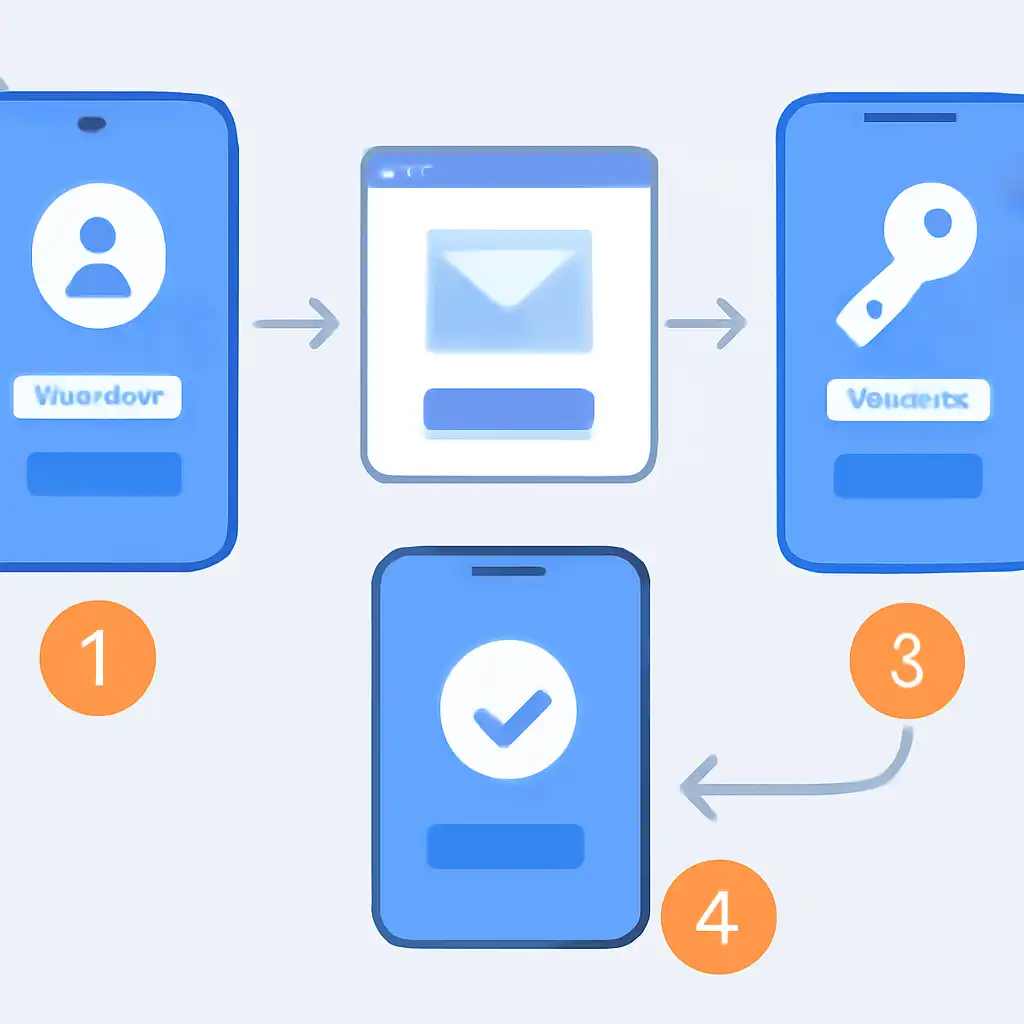
Open the Holy Rummy app or visit holyrummyapp.org and tap Login → Forgot Password. Enter the mobile number or email address linked to your account and select your preferred verification channel. For mobile OTP, a six-digit code arrives via SMS within two minutes, enter it on the next screen. For email, open the reset link in the same browser session; do not forward the email or open it on a different device, as the token is tied to the originating session.
After successful verification, Holy Rummy presents a new-password form. Create a password at least eight characters long combining uppercase letters, lowercase letters, numbers, and one special character. Confirm it, tap Reset Password, and you are redirected to the login screen. Sign in immediately to confirm the reset worked before closing the app.