OTP Not Received, Holy Rummy
A practical guide to otp not received for holy rummy: the steps, the limits and the common mistakes.
What is OTP Not Received?
When you log in or register on Holy Rummy, the platform sends a one-time password via SMS to your Indian mobile number. An OTP not received issue means that 4- or 6-digit code never lands in your messages inbox, locking you out of your Holy Rummy account even though your phone number is correct. Unlike payment apps such as PhonePe or GPay that offer fallback verification methods, Holy Rummy's SMS-only OTP flow means a missing message is a hard blocker until the delivery problem is resolved.
The OTP is generated fresh each time you tap Resend OTP on holyrummyapp.org, so a missing message points to a carrier delivery failure, a DND block, or a device permission conflict, not an account error. Indian operators (Jio, Airtel, Vi, BSNL) actively filter transactional SMS from gaming platforms, making this one of the most reported login issues among Holy Rummy players.
OTP Not Received, Step by Step
Follow these steps in order before contacting Holy Rummy support. Most cases resolve by step 4.
- Wait 60 seconds: Network congestion during peak evening hours (8 PM to 11 PM IST) can delay SMS by up to 90 seconds. Do not tap Resend immediately.
- Check your native Messages app: If you installed the Holy Rummy APK and denied SMS read permission, auto-fill fails, but the OTP SMS may already be sitting in your default messages app. Open it manually and copy the code.
- Verify the correct SIM is active: On dual-SIM phones (common with Jio + Airtel combos), go to Settings → SIM & Network → Default SMS SIM and confirm your Holy Rummy registered number is the active slot.
- Check DND status: Dial 1909 from your mobile or SMS "STATUS" to 1909. If your number is on the TRAI DND registry, ask Holy Rummy support to whitelist their sender ID for transactional messages.
- Tap Resend OTP: After the 30-second cooldown, request a fresh OTP. Each new code invalidates the previous one, enter only the latest SMS received.
- Restart your phone: A soft reboot refreshes your carrier connection and clears any stuck SMS delivery queue, particularly on budget Android devices running MIUI or ColorOS.
- Try a different network: Switch from Wi-Fi calling to your mobile data network, or toggle Airplane Mode off and on to force a fresh cell tower handshake.
OTP Not Received, Tips and FAQs
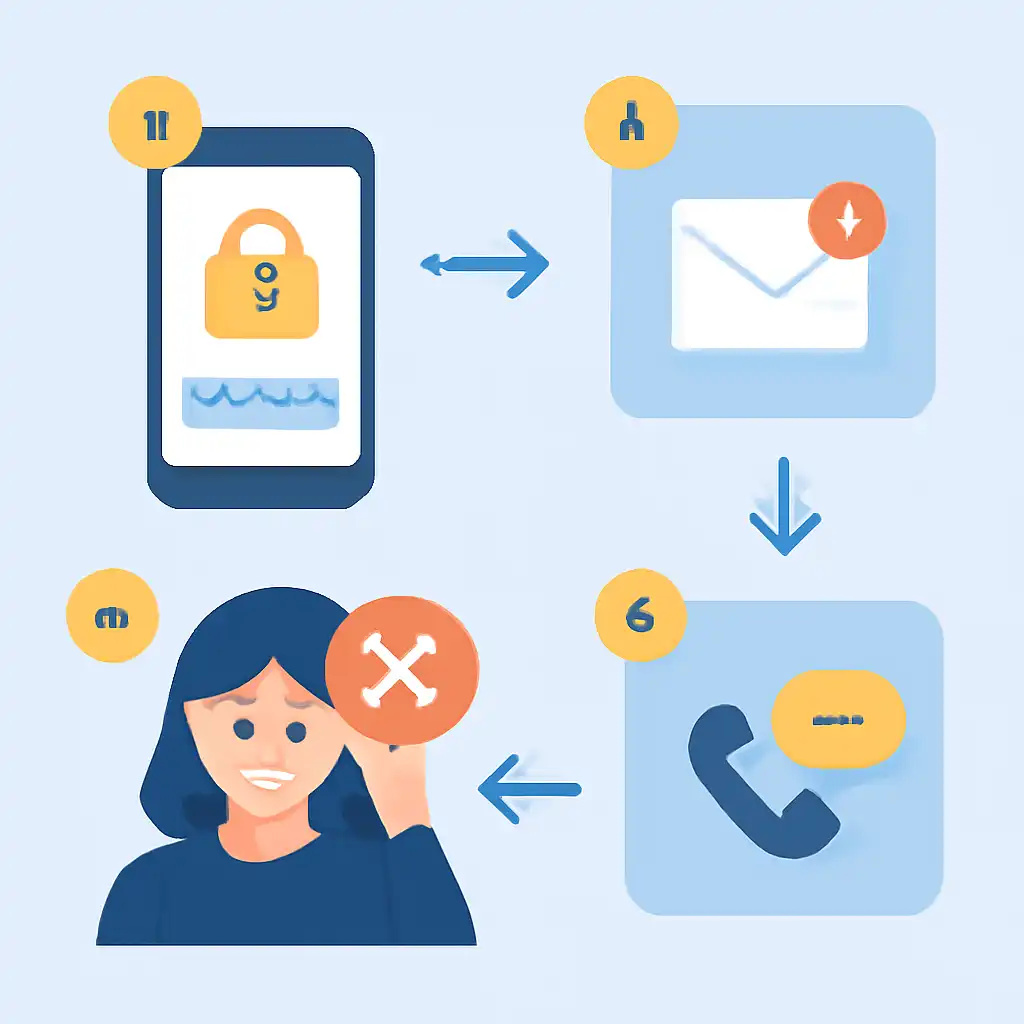
Tip 1, Grant SMS permissions to the Holy Rummy app: On Android 12+, go to Settings → Apps → Holy Rummy → Permissions → SMS and set it to Allow. This enables auto-read so the app fills the OTP field without manual copying, eliminating the most common "I got the SMS but it didn't auto-fill" complaint.
Tip 2, Avoid requesting OTPs in rapid succession: Hitting Resend more than 3 times within 5 minutes triggers Holy Rummy's rate limiter, which imposes a 10-minute cooldown on your number. This is a security measure shared by most Indian gaming platforms. Wait out the cooldown before retrying.
FAQ, Does Holy Rummy offer WhatsApp or email OTP as a fallback? As of the current app version on holyrummyapp.org, OTP delivery is SMS-only. There is no WhatsApp OTP option like some fintech apps (BHIM, Paytm) provide. If SMS repeatedly fails, contact Holy Rummy support via the in-app chat to request a manual verification.