Holy Rummy Registration and Login Steps, Holy Rummy
Holy Rummy Registration and Login Steps for holy rummy players in India, how it works, what it costs and how long it takes.
What is Holy Rummy Registration and Login Steps?
Holy Rummy Registration and Login Steps refer to the complete onboarding and daily access process every player must complete before joining real-money rummy tables on the official Holy Rummy platform at holyrummyapp.org. The workflow covers three distinct phases: account creation, identity confirmation via OTP, and recurring sign-in. Each phase is designed to be fast, secure, and compliant with Indian online gaming regulations, ensuring that every active account belongs to a verified, age-eligible player residing in a permitted state.
Understanding these steps matters for more than convenience. A properly completed Holy Rummy registration unlocks your welcome bonus, typically a cash match on your first deposit, and activates referral rewards that cannot be claimed retroactively. KYC completion, which is part of the extended registration flow, is mandatory under Indian payment-gateway rules before any withdrawal is processed. Players who skip or partially complete registration often find their winnings held until documents are submitted, so moving through each step correctly from day one saves significant friction later.
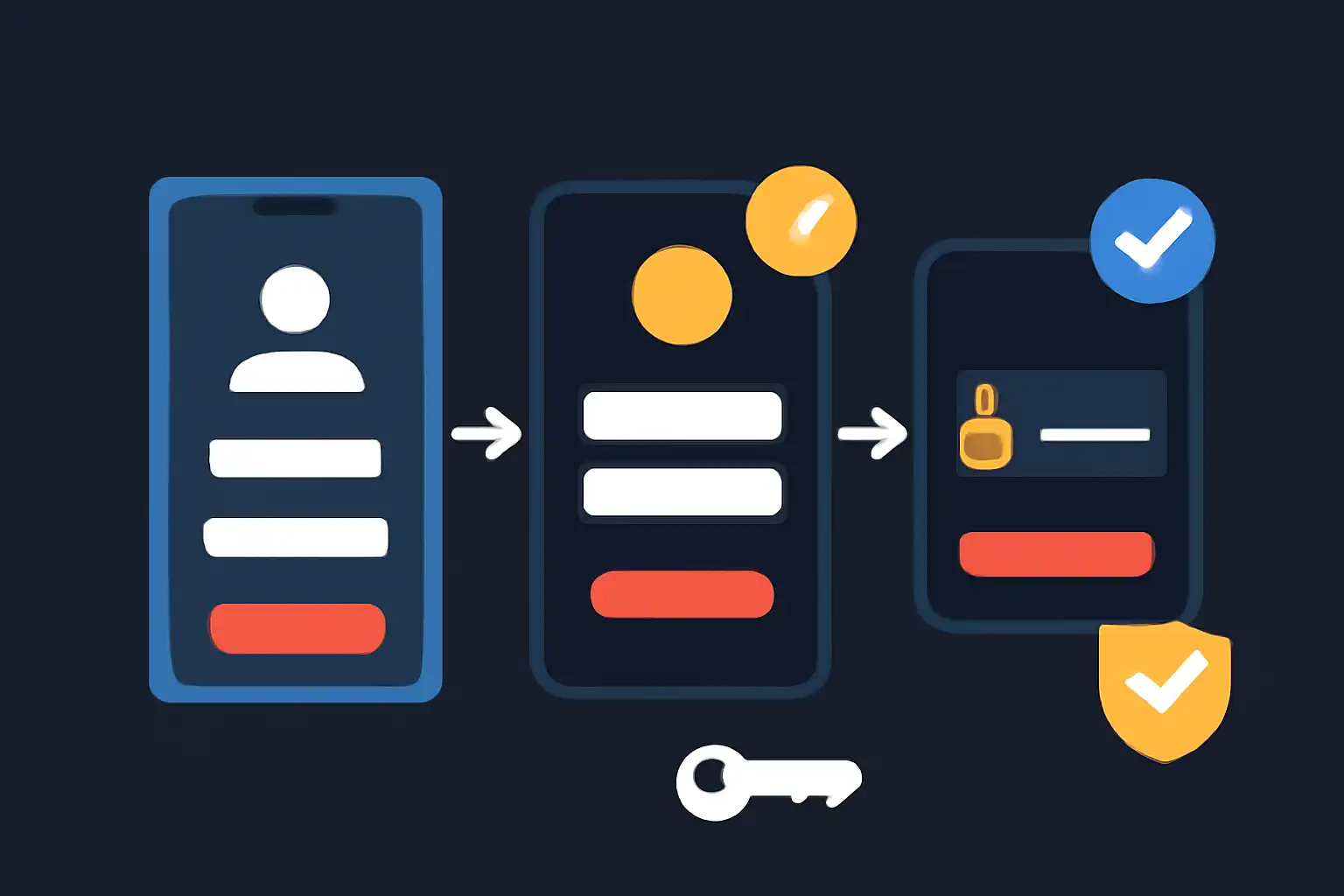
Holy Rummy supports registration and login across Android, iOS, mobile browsers, and the full desktop site, with the same account credentials working on every device simultaneously. The core Holy Rummy Registration and Login Steps remain consistent across all access points.
Holy Rummy Registration and Login Steps for new players
New players complete a one-time registration sequence that creates a unique Holy Rummy account tied to a verified Indian mobile number. The full process takes under five minutes. Follow each numbered step in order to avoid common errors such as OTP timeouts or mismatched referral codes.

- Visit holyrummyapp.org. Open your preferred browser or download the Holy Rummy APK and confirm the URL before entering any personal data.
- Tap "Register". The button appears in the top navigation bar and the homepage hero banner.
- Enter your 10-digit Indian mobile number. Numbers starting with 6, 7, 8, or 9 are accepted. This number becomes your primary login ID.
- Create a strong password. Use at least 8 characters combining uppercase, lowercase, digits, and a special character. Avoid using your name or date of birth.
- Add a referral code (optional). Paste a friend's code here, this field cannot be updated after submission.
- Tick the Terms and Conditions checkbox. Confirms you are 18+ and agree to the platform rules.
- Tap "Create Account". An OTP is sent to your mobile number via SMS within seconds.
- Enter the 6-digit OTP. Complete entry within 60 seconds; use "Resend OTP" if it expires.
- Set your display name. This name appears on game tables and leaderboards.
- Registration confirmed. Holy Rummy logs you in automatically and credits your welcome bonus to your wallet.
To unlock real-money withdrawals, complete KYC verification from Profile → KYC Verification → Upload Document. Accepted documents include Aadhaar card, PAN card, Voter ID, and Passport. Upload clear front-and-back photos, and approval typically arrives within 2 to 4 hours on business days. Once approved, link a bank account or UPI handle (PhonePe, GPay, or BHIM all work) in the Payment section to enable instant withdrawals.

Holy Rummy Registration and Login Steps on mobile and desktop
Holy Rummy offers two primary access environments, the mobile app and the desktop website, and the registration and login experience differs slightly between them. Choosing the right environment for your play style can affect loading speed, notification reliability, and gesture controls during fast-paced rummy rounds.
Mobile app vs desktop: what to look for
| Feature | Holy Rummy Mobile App | Holy Rummy Desktop Site |
|---|---|---|
| Registration speed | Fastest, auto-reads OTP from SMS on Android | Manual OTP entry required |
| Login method | Mobile number + password or biometric (fingerprint/Face ID) | Mobile number + password |
| KYC document upload | Camera capture in-app | File upload from hard drive |
| Push notifications | Yes, instant game alerts | Browser notifications only |
| Best suited for | On-the-go players, commuters | Long sessions, multi-table play |
On mobile, Android users can download the Holy Rummy APK directly from holyrummyapp.org since the app is not listed on the Google Play Store, a standard practice for real-money skill-game apps in India. iOS users access the platform through Safari in a progressive web app (PWA) format by tapping Share → Add to Home Screen, creating a native-like shortcut. On desktop, Chrome and Firefox both render the full site correctly; no plugin or extension is needed.

Holy Rummy Registration and Login Steps safety, fees, and timing
Holy Rummy Registration and Login Steps are entirely free. There is no sign-up fee, account maintenance charge, or KYC processing fee at any stage. Deposits and withdrawals carry their own transaction terms, but the registration and login workflow itself costs nothing regardless of how many times you log in or on which device.
From a security standpoint, the platform uses 128-bit SSL encryption on every registration and login page, meaning your mobile number, password, and OTP are transmitted over an encrypted channel that cannot be intercepted on public Wi-Fi networks. Two-factor authentication (2FA) is enforced at registration via OTP and can optionally be enabled for every login session from Security Settings. Players are also advised never to share their Holy Rummy password, to avoid saving credentials in shared-device browsers, and to log out fully after each desktop session.

Timing benchmarks to set realistic expectations: OTP delivery takes 5 to 15 seconds under normal network conditions; KYC document approval takes 2 to 4 hours on weekdays; first-deposit bonus credit is instant after payment confirmation via UPI (PhonePe, GPay, BHIM) or net banking. Login sessions on the app stay active for 30 days before requiring re-authentication, while desktop browser sessions expire after 24 hours of inactivity.