App Update Problems, Holy Rummy
App update problems explained for holy rummy: step-by-step, with the details most guides leave out.
What is App Update Problems?
App update problems on Holy Rummy refer to any error, failure, or interruption that prevents players from successfully downloading and installing the latest version of the Holy Rummy APK on their Android device. Because Holy Rummy is distributed directly through its official website rather than the Google Play Store, updates follow a manual side-loading process, which introduces a distinct set of failure points that differ from standard app-store updates.
The most frequently reported Holy Rummy update errors include: installation blocked by Android's "Unknown Sources" restriction; a corrupt or incomplete APK download caused by a dropped mobile connection; a version conflict where the new APK cannot overwrite the existing build because the old app is still running in the background; insufficient internal storage (Holy Rummy recommends at least 150 MB free before updating); a "Parse Error / App Not Installed" message on devices running Android 6 or below; and a post-update white screen caused by stale cache data from the previous version clashing with the new build.
Identifying which specific error you are facing is critical, because each one requires a different fix. A storage error is solved by clearing space, whereas a version conflict requires force-stopping the existing app before re-installing. Treating all update failures the same way wastes time and can sometimes make the problem worse.
How App Update Problems Works
When Holy Rummy releases a new version, the app displays an in-app prompt directing players to holyrummyapp.org to download the updated APK. Android does not update side-loaded apps automatically, so each update requires manually downloading and re-installing the file. The update problem chain typically begins the moment you tap "Download", if your mobile data signal drops below 4G stability, common in tier-2 and tier-3 cities across India, the download can silently corrupt, producing a partial APK that triggers an "App Not Installed" error even though the file appears complete in your Downloads folder.
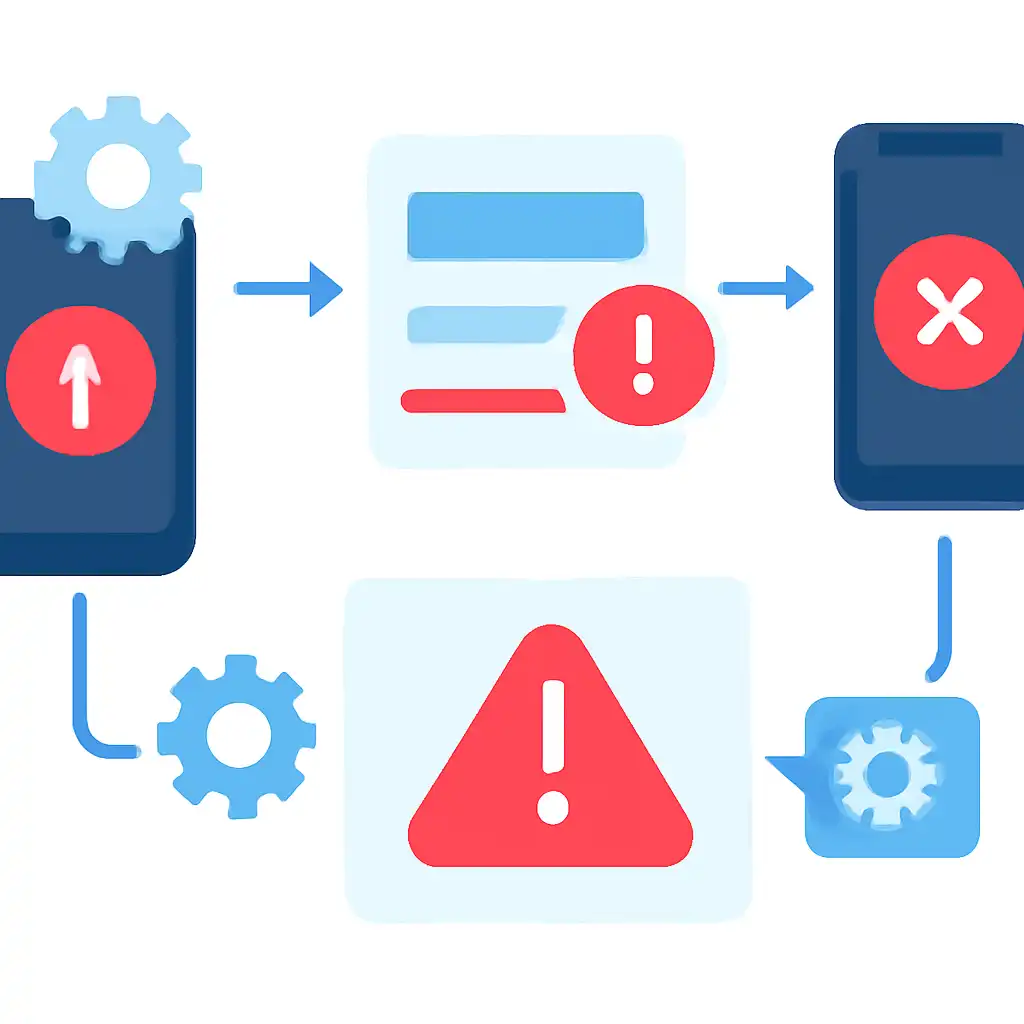
Once the APK downloads successfully, Android's security layer steps in. On popular Indian handsets, including Realme, Redmi, and Samsung Galaxy M-series, the default setting blocks installations from outside the Play Store. Navigate to Settings → Security → Install Unknown Apps, locate your browser or file manager, and toggle permission on before the installer will proceed. Skipping this step is the single most common reason Holy Rummy updates fail at the installation screen.
If the install permission is granted but the update still fails, the conflict is usually with the currently running version. Android cannot replace a running APK cleanly. Force-stopping Holy Rummy via Settings → Apps → Holy Rummy → Force Stop, then clearing its cache, gives the installer a clean target and resolves version-conflict errors in the majority of cases.